MHI Events App
Sponsored by

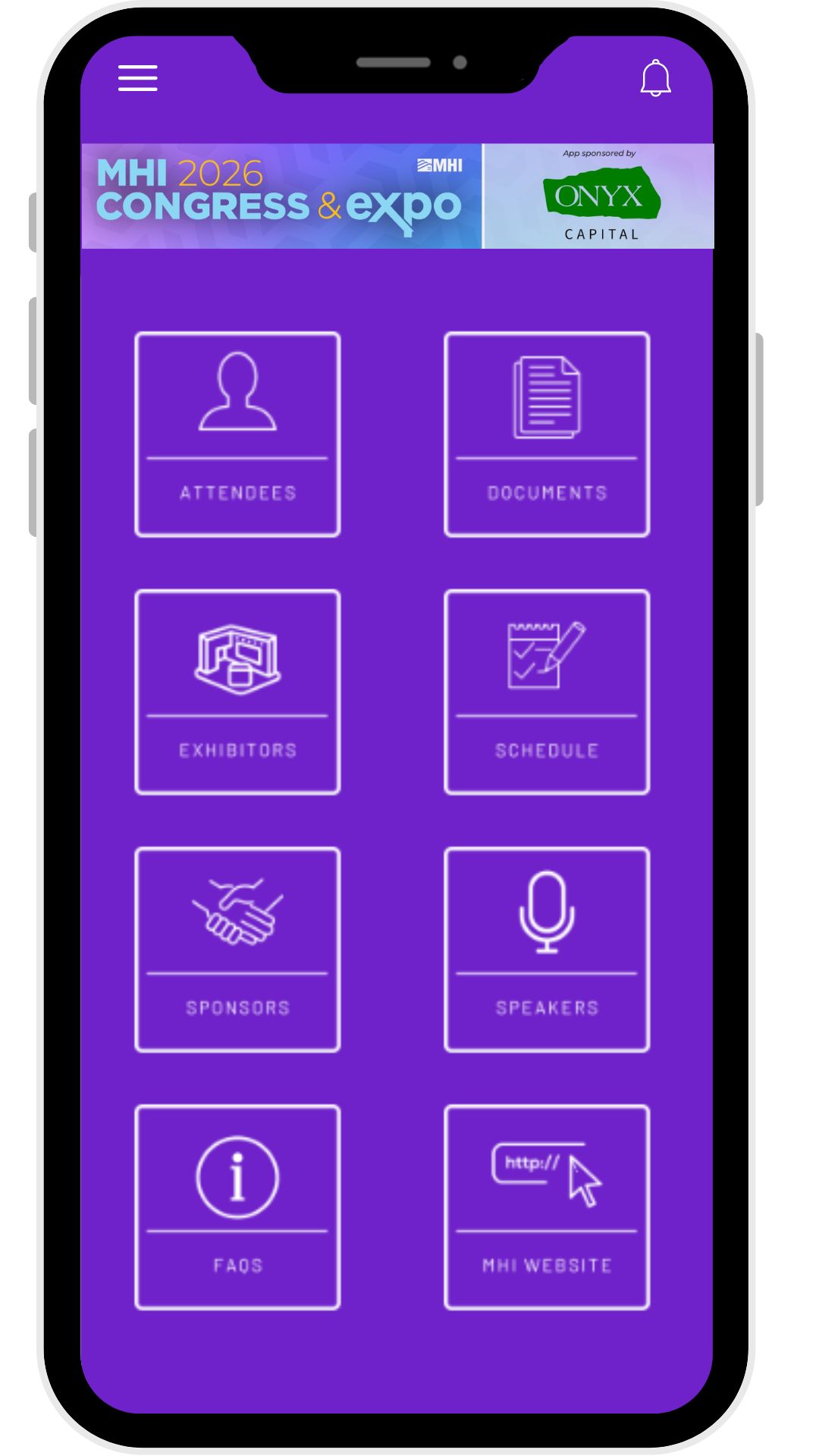
Your Congress & Expo experience starts before you arrive. With the MHI Events App, you can explore the agenda, plan your schedule, and connect with attendees in advance. While onsite, receive real-time updates, navigate the Expo Hall, and have everything you need right at your fingertips, so you don’t miss a moment


How to Download and Login
1. Download the App
Search 'MHI Events App' in the App Store or Google Play Store.
If you have used the "MHI Events App" for a previous MHI event, you may need to update the app in the App Store or Google Play Store.
2. Launch the App
Open the app and launch "2026 Congress and Expo"
3. Create an Account OR Login
Enter the email you registered for 2026 Congress and Expo with to sign up and create a password.
If you have an account from attending a previous MHI event but may have forgotten your password, click on "forgot password" and you will receive an email prompting you to set up a new password.
4. Build Your Profile
Upload a professional headshot and enter your name, company and job title.
5. Start Networking
Browse the app. Start networking, view the attendee list, add meetings to your schedule and much more!